Fedora 22 and Nvidia proprietary drivers
This blog post will talk about how to set up Nvidia proprietary drivers on your Fedora 22 Workstation, or at least how I did it ;-)
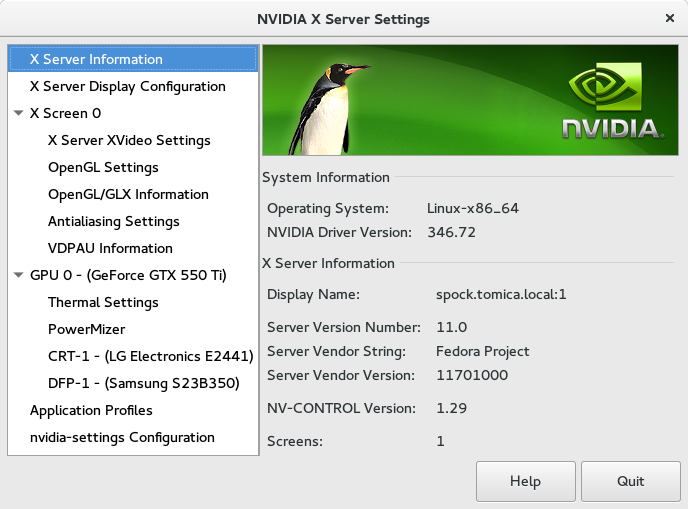
-
Detect your Nvidia card model:
lspci |grep -i VGA -
Switch to root (or execute rest of the commands with sudo priviledges:
su -
Update your system and reboot after that:
dnf update -y reboot -
Enable RPM Fusion repositories:
dnf install -y https://download1.rpmfusion.org/free/fedora/rpmfusion-free-release-22.noarch.rpm https://download1.rpmfusion.org/nonfree/fedora/rpmfusion-nonfree-release-22.noarch.rpm -
Install Nvidia drivers (8 + series of cards are supported):
dnf install -y akmod-nvidia xorg-x11-drv-nvidia-libs kernel-devel acpid -
Backup old initramfs image:
mv /boot/initramfs-$(uname -r).img /boot/initramfs-$(uname -r)-old.img -
And generate new one:
dracut /boot/initramfs-$(uname -r).img $(uname -r) -
Reboot and enjoy ;-)
reboot