Resurrecting a 2017 MacBook Pro With Linux
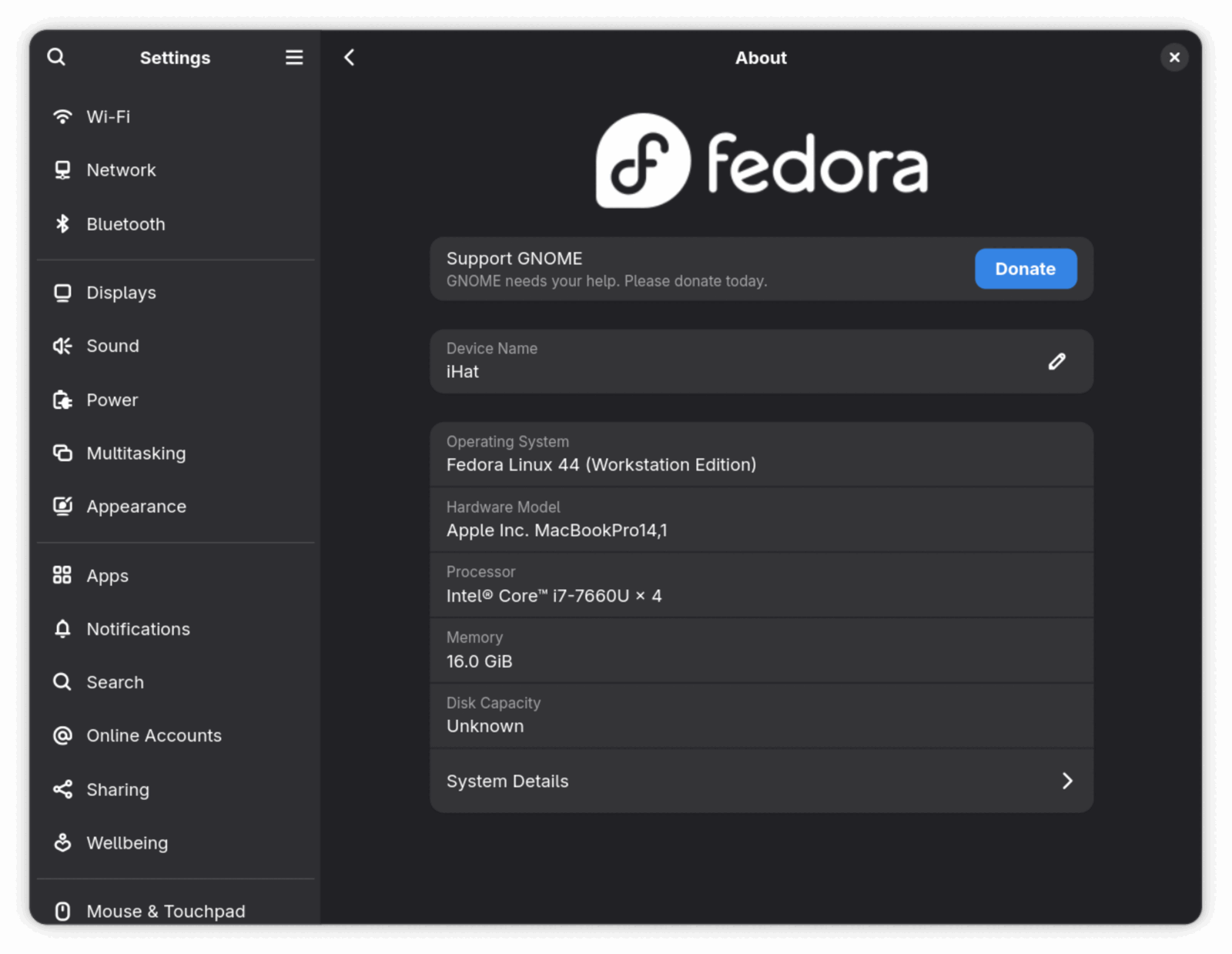
Years ago, when my old company was decommissioning hardware, I bought the 2017 MacBook Pro from them, the 13" A1708 with function keys instead of the Touch Bar. I bought it because it was really good price, and my with my sister in mind as she needed something for her school. It served her very well for all things needed for schoold, but unfortunately Apple decided its time was up. macOS Ventura is the end of the line for this machine.
I had also this M3 MacBook Air laying around waiting to be sold, but folks were constantly annoying me so I decided to do a swap witgh her. She got an M3 Air and I got the A1708 back to play with.
Why Fedora
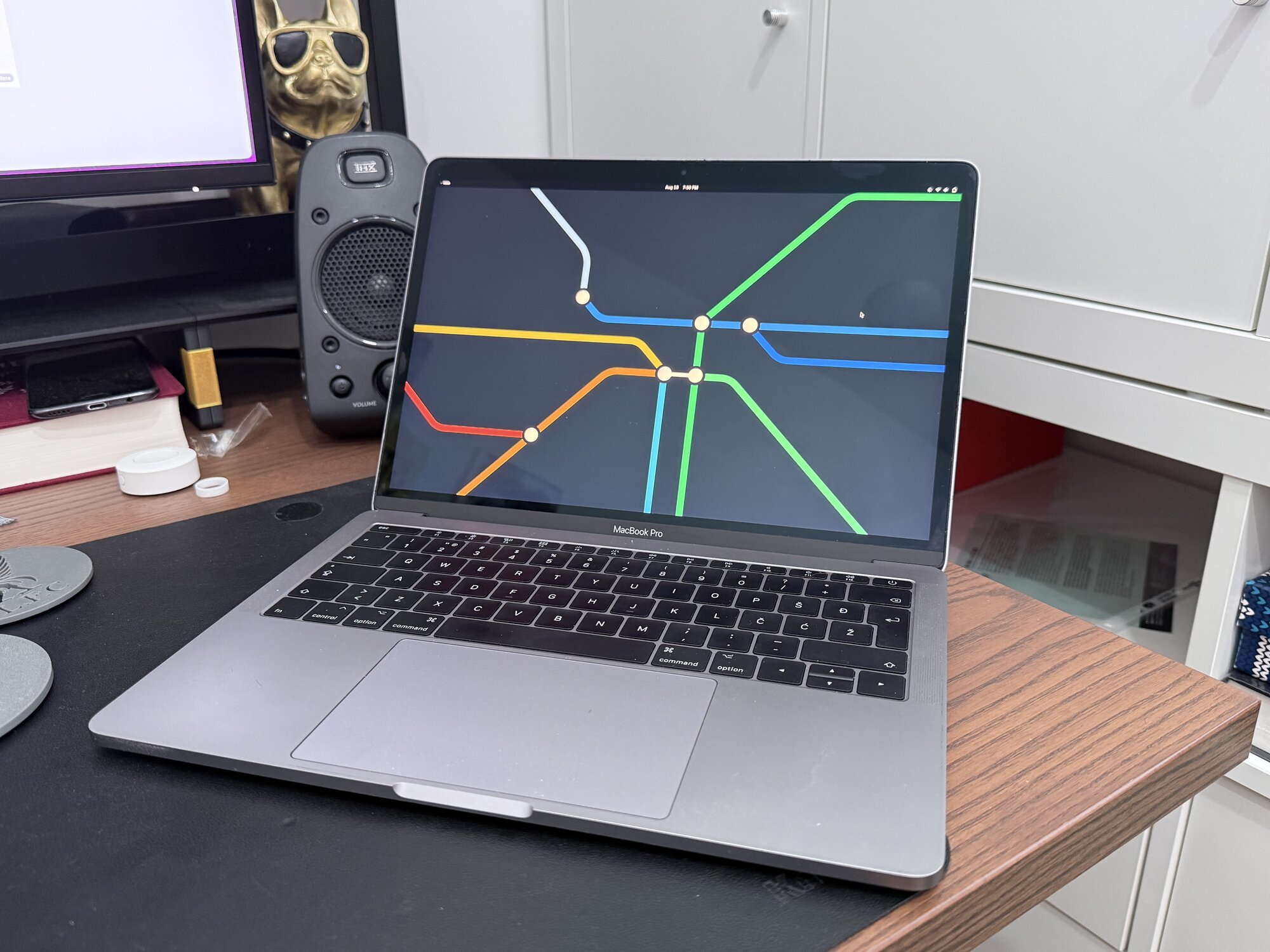
No big evaluation story here. I’ve been using Fedora on and off since 2015 (am I getting old or what), it ships recent kernels, recent software, and is all around nice distribution, always holding special place in my heart.
The installation itself was as boring as any other laptop. Basically, boot the live USB (hold Alt/Option at the chime to get the boot picker), install, reboot. Being model without that security chip Apple has in TouchBar version MacBook made things definitely simpler.
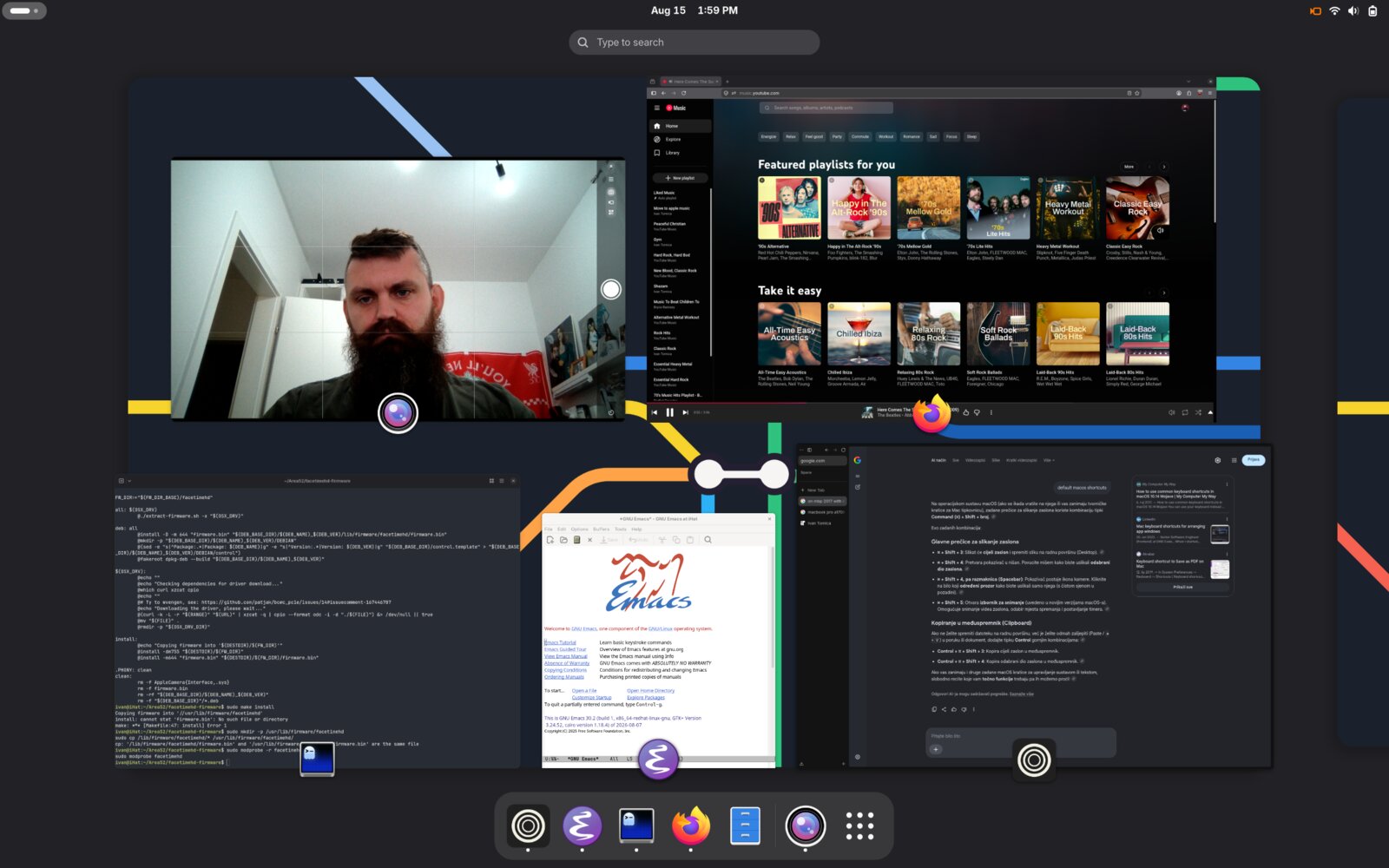
Almost everything worked out of the box. And by “almost anything”, only things not working properly were sound and FaceTime HD camera for which I had to reach to github for out-of-tree kernel modules to make them working.
The FaceTime HD camera
The webcam in these MacBooks is not a regular USB camera. It is a Broadcom PCIe device with no official Linux support, covered by the reverse-engineered facetimehd driver. The setup has two steps because the camera needs a proprietary firmware blob that nobody is allowed to redistribute, so the facetimehd-firmware repo extracts it from Apple’s own software, downloading it straight from Apple’s CDN:
git clone https://github.com/patjak/facetimehd-firmware
cd facetimehd-firmware
sudo ./facetimehd-firmware-install.sh
In my case I also had to make sure the firmware ends up under /usr/lib/firmware, where the kernel on Fedora actually looks for it, and reload the module (I did this part after the next one btw, a bit of out of order steps to make you confused):
sudo mkdir -p /usr/lib/firmware/facetimehd
sudo cp /lib/firmware/facetimehd/* /usr/lib/firmware/facetimehd/
sudo modprobe -r facetimehd
sudo modprobe facetimehd
Without this the module loads but the camera stays dead, silently failing to find its firmware.
The second part is the driver itself, a classic out-of-tree build:
git clone https://github.com/patjak/facetimehd.git
cd facetimehd/
make
sudo make install
sudo depmod -a
sudo modprobe facetimehd
And the camera shows up as a regular device, working with anything that can talk to a webcam.
As this is a manually built module, unfortunately, a kernel update means building it again. I can live with that for a hobby machine.
Sound
Sound is the same story with a different chip. The mainline kernel sees the Cirrus Logic codec but can’t actually drive the speakers, so you get a sound card that produces silence. The fix is the snd_hda_macbookpro driver, which patches the kernel’s HDA audio driver and builds it through DKMS, so unlike the camera driver, it rebuilds itself automatically on kernel updates:
git clone https://github.com/davidjo/snd_hda_macbookpro.git
sudo dnf install gcc kernel-devel make patch wget dkms
cd snd_hda_macbookpro/
sudo ./install.cirrus.driver.sh -i
One reboot later the speakers and the headphone jack work.
The battery
The one piece of hardware showing its age is the battery. It has degraded to about 85% of its original capacity, which honestly is not bad at all for a 9-year-old laptop that spent its whole life in active use. It gets through a casual session on the couch just fine, but a replacement is probably somewhere in this machine’s future. Batteries for these models are cheap so that will probably be a project for the future me.
Closing thoughts
All in all, not too hard to get everything working. I was expecting much worse, but in the end two out-of-tree drivers and an afternoon of tinkering were just enough to get all things working. In return, a machine Apple considers e-waste now runs a current OS, current software, and has years of updates ahead of it. The build quality of this laptop still makes it look expensive. The screen is still gorgeous, and with Fedora on it, it is once again a perfectly usable computer.
Not bad for a laptop that was officially declared dead.